“tesco 30”
That’s an entry.
Capture the purchase while you remember it. Let Lekkafy fill in the details.
Example only — nothing is saved.
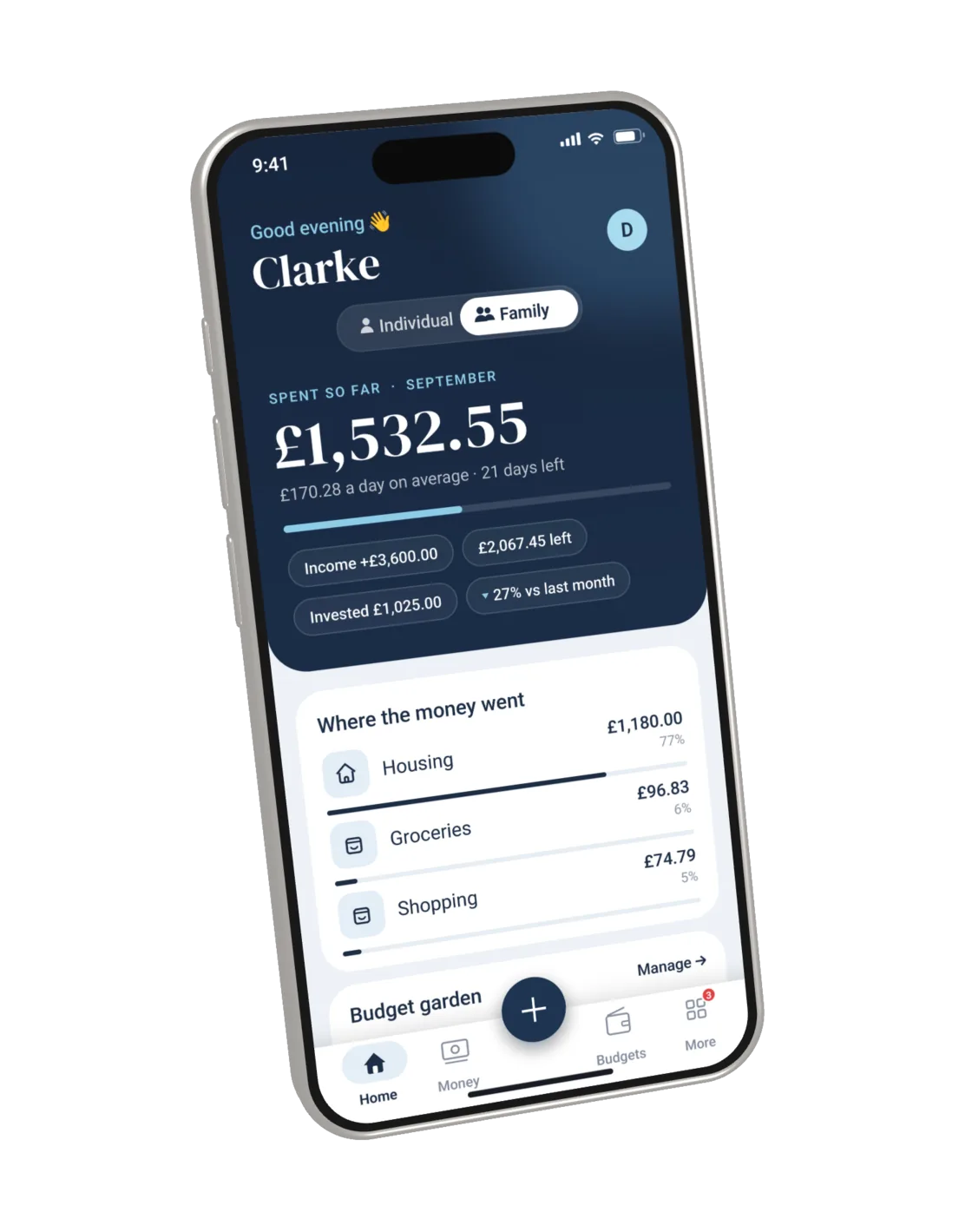
Understand where your household spends, what you’re saving and investing, and what to plan for next. Make everyday money decisions with more confidence.
Clarity without connecting your bank.
Free during beta · Start in your browser

A bank balance tells you what’s there. Lekkafy helps you understand the spending, saving and commitments behind it, using the records you choose to add.
See the categories behind your total, so you know which costs deserve a closer look.
Find the spending patterns. Decide what you want to change.
You choose the records. No bank login or bank connection required.
Turn separate expenses into a shared understanding. See what each person has recorded, understand household costs, and make plans with the same information.
Entries added in Individual mode are also visible to your family. Switching views changes what you’re looking at, not who can see it.
A clearer picture starts with a small habit. Import a statement, scan a receipt, or type a few words. Review what goes in and let Lekkafy organise the details.
Capture the purchase while you remember it. Let Lekkafy fill in the details.
Example only — nothing is saved.
Wondering where the money went or which bills are coming? Ask in your own words, with answers grounded in your records.
You’ve used £149.89 of £350.00. Food & Drinks is £5.24 over, and Shopping is £24.79 over.
From this example’s budget entriesAdjust the habits you want to change. Protect the priorities you want to keep. Prepare for the costs you know are coming.
Download PDF or CSV reports to review or share outside the app.
Track savings over time and update the balance when it changes.
Money lent and borrowed, with repayments and due-date reminders.
Get insights from the records you choose to add. Lekkafy never asks for your bank login or connects to your accounts.
Household members can see each other’s entries. Individual mode focuses your view; it does not make those entries private within the family.
Export your records or delete your account from Settings. Read our Privacy Policy for storage and AI processing details.
No. Lekkafy doesn’t use open banking or request your bank credentials. Add what you choose through Quick Log, receipt scanning, PDF or CSV import, or manual entry.
Yes. Entries added in Individual mode can be seen by the whole family. Individual mode focuses on your own entries; Family mode brings the household’s entries together. Individual mode is not a privacy setting.
Yes — Lekkafy is currently in beta and free to use. You can get started in your browser.
AI features send the content needed for your request to Google’s Gemini service, such as a receipt, statement content, or relevant financial records. Lekka answers from the information you choose to record. Our Privacy Policy explains how this information is processed.
Lekkafy does not require your bank login or connect to your bank. We store your email, profile and household information, and the financial records you choose to add. Documents you upload may also contain personal information. See our Privacy Policy for details.
Yes. You can use Lekkafy in a browser on your phone or computer. Native apps are also in beta; contact support for current availability. Some features differ by platform.
Budgets can follow monthly or four-weekly pay cycles. Monthly cycles can be anchored to a specific day or the last working day of the month, with UK bank holidays handled.
You can download PDF or CSV reports and request a full data export. You can also delete your account and associated data from Settings → Security.
Add your first entry or import a statement. Start seeing the story behind your spending.
Try Lekkafy free Free during beta · No bank connection · Start in your browser